
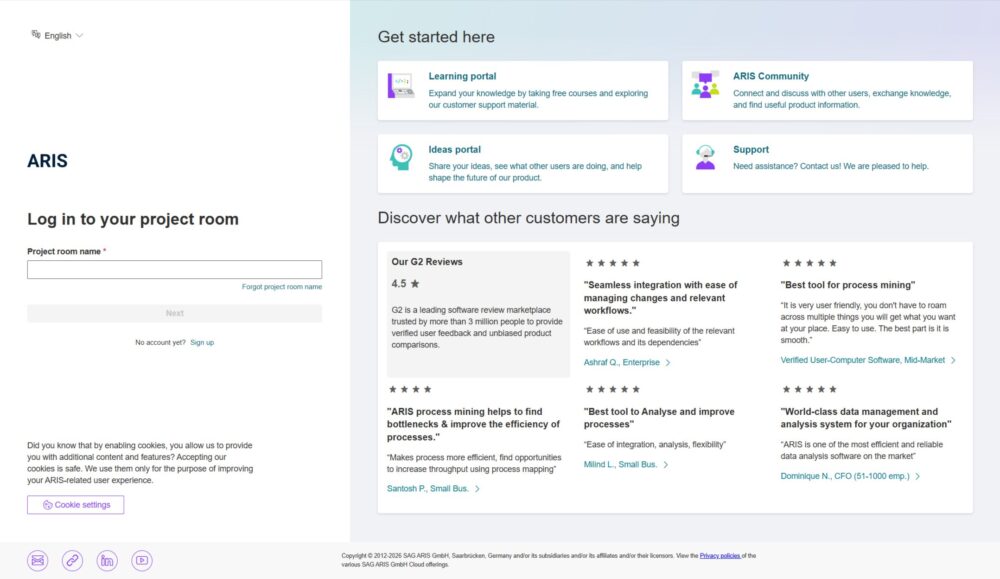
ARIS Login: The Comprehensive Guide to Accessing Your Academic Results and Information System.
In the modern educational landscape, digital accessibility is no longer a luxury—it is a necessity. For students and faculty at several major African educational institutions, particularly the University of Dar es Salaam (UDSM) and the Open University of Tanzania (OUT), the ARIS login portal is the central gateway to their academic journey.
ARIS, which stands for Academic Results and Information System, is a robust management platform designed to streamline administrative tasks, track student progress, and provide a transparent interface for academic records. This guide explores everything you need to know about the ARIS login process, troubleshooting common issues, and maximizing the features available within the portal.
What is ARIS Login?
ARIS login is an integrated database system that manages student data from admission to graduation. It serves as a “virtual registrar,” allowing users to perform tasks that previously required standing in long queues at administrative offices.
The primary functions of the ARIS portal include:
-
Course Registration: Selecting and registering for core and elective modules each semester.
-
Results Tracking: Viewing semester GPAs, individual course grades, and overall academic standing.
-
Financial Tracking: Checking tuition balance, payment history, and generating control numbers for bank payments.
-
Profile Management: Updating personal contact information and uploading required documentation.
Step-by-Step Guide to the ARIS Login Process
Accessing your academic records is straightforward, provided you have your credentials ready. While specific URLs may vary slightly depending on the institution (e.g., UDSM vs. OUT), the general ARIS login steps remain consistent.
1. Access the Official Portal
Always ensure you are using the official institutional link to protect your data. For UDSM students, this is typically aris2.udsm.ac.tz. For the Open University of Tanzania, the portal is accessed via the university’s main website under the “Student Information” tab.
2. Enter Your Credentials
Upon reaching the landing page, you will be prompted for two pieces of information:
-
Username: This is usually your Registration Number (e.g., 2023-04-XXXXX).
-
Password: A secure string of characters. First-time users are often given a default password (like their surname or date of birth) which must be changed immediately upon the first successful login.
3. Navigate the Dashboard
Once the ARIS login is successful, you will see a side navigation menu. Key sections to look for include “My Courses,” “Examination Results,” and “Financial Status.”
Common ARIS Login Issues and How to Fix Them
Even the most robust systems encounter hiccups. If you are struggling to access your account, check the following common roadblocks:
-
Incorrect Credentials: Double-check for typos. Registration numbers are case-sensitive and often include specific hyphens or slashes.
-
Expired Password: Most institutions require a password reset every six months for security. If your password has expired, look for the “Forgot Password” link on the login page.
-
System Maintenance: During peak times—such as the release of examination results—the server may experience high traffic. If the page fails to load, wait 30 minutes and try again during off-peak hours.
-
Account Lockout: Multiple failed ARIS login attempts may lead to a temporary account freeze. In this case, you must contact the university’s ICT helpdesk or the Office of the Registrar.
Security Best Practices for Your ARIS Account
Your ARIS portal contains sensitive personal and financial data. Protecting your ARIS login details is critical for preventing identity theft or unauthorized changes to your academic record.
-
Avoid Public Computers: If you must use a cyber café, never select the “Remember Me” or “Save Password” option in the browser.
-
Use a Strong Password: Combine uppercase letters, numbers, and symbols. Avoid using your birth year or name.
-
Log Out Completely: Simply closing the tab does not always terminate your session. Always click the “Log Out” button before leaving the computer.
-
Monitor Your Financials: Regularly check your “Financial Status” tab to ensure payments are reflecting correctly and no unauthorized charges have appeared.
The Future of ARIS Login: Mobile Integration
As of 2026, institutional developers are pushing toward a “Mobile-First” approach for the ARIS login experience. Many universities are now integrating ARIS features into dedicated mobile apps available on the Google Play Store and Apple App Store.
Mobile integration allows students to receive push notifications for:
-
Newly uploaded examination results.
-
Registration deadlines.
-
Invoices and payment confirmations.
-
Venue changes for lectures or exams.
ARIS login for Faculty and Staff
The ARIS login isn’t just for students. Faculty members use a different tier of access to manage their teaching loads. Through the admin portal, lecturers can:
-
Upload continuous assessment (CA) marks.
-
Verify student attendance.
-
Submit final exam grades for departmental approval.
-
Communicate directly with students registered for their specific modules.
Conclusion on ARIS Login: Empowering Your Academic Success
Mastering the ARIS login portal is one of the most important administrative skills a student can develop. It provides you with the data needed to make informed decisions about your education—whether that means contesting a grade, ensuring your fees are paid on time, or planning your course load for the upcoming year.
By following the security protocols and troubleshooting steps outlined above, you can ensure that your academic journey is supported by a reliable, efficient, and secure digital system. If you ever find yourself permanently locked out or notice discrepancies in your data, your first point of contact should always be the University ICT Support Team.
Stay organized, stay secure, and let ARIS handle the administrative heavy lifting while you focus on your studies.